
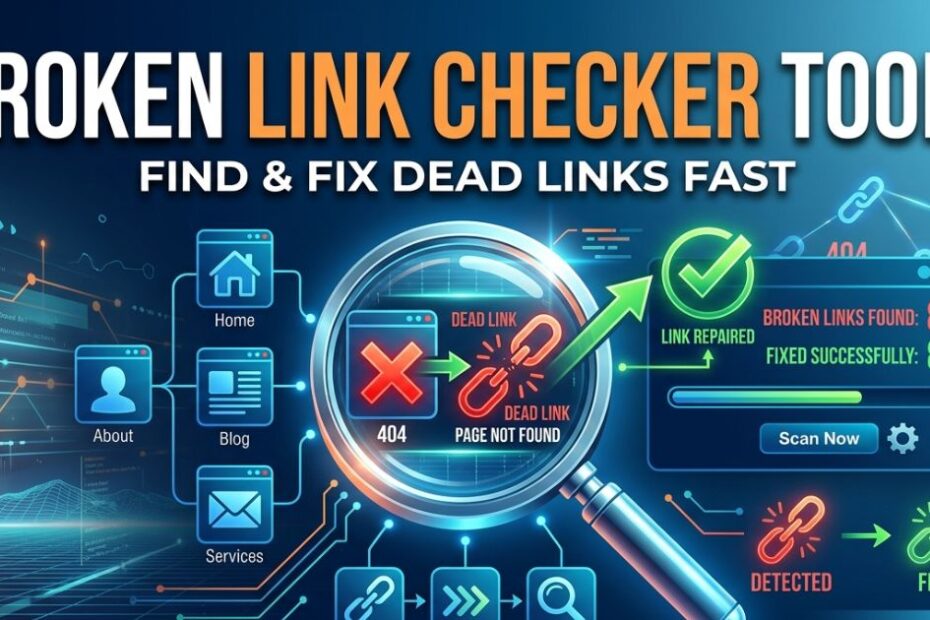
Keeping your website free of broken links is essential not just for maintaining a professional appearance, but also for improving SEO, enhancing user experience, and boosting your site’s credibility. Dead links can frustrate visitors, lower search engine rankings, and even impact your conversion rates. Using reliable broken link checker tools allows you to quickly scan your website, identify broken or outdated links, and fix them efficiently, ensuring smooth navigation, better performance, and a trustworthy online presence.
What Is a Broken Link Checker Tool?
Imagine you have a giant map of a city, but some of the bridges have collapsed. A broken link checker tool acts like a helpful helicopter pilot flying over your city. It scans every single road, spots the collapsed bridges, and gives you a map showing exactly where they are.
Definition and Purpose
A website error checker is a piece of software that automatically scans your web pages. It looks for links that do not work anymore. These broken connections are often called “dead links.”
Instead of you clicking hundreds of links one by one to see if they work, this software does it in seconds. Its main purpose is to save you time and help you maintain a healthy, user-friendly website. This is where broken link checker tools really shine.
How These Tools Work: A Behind-the-Scenes Look
When you type your website address into an online link checker, it sends out tiny digital robots called crawlers. These crawlers read your HTML code. They click every internal link pointing to your own pages, and every outbound link pointing to other websites.
If a link leads to a dead page, the tool flags it. It then hands you a neat report showing the exact HTML error codes (like the dreaded 404). Now, you know exactly what needs fixing.
Why Should You Care About Fixing Broken Links?
You might be thinking, “It is just one bad link, who cares?” Well, search engines care. And your visitors care deeply.
SEO Benefits of Fixing Dead Links
Search engines like Google want to show the best possible results to their users. When their bots crawl your site and find broken paths, they get confused. They think your site is outdated and ignored.
By fixing these errors, you send a clear signal that your website is fresh, active, and helpful. A good SEO link checker helps you clean up your site, which can push your pages higher in the search results.
Enhancing User Experience and Website Credibility
Imagine running a physical store with a broken front door. Customers would simply walk away. Dead links ruin the user experience in the exact same way.
When visitors click a link to learn more or buy a product, they expect it to work. If it fails, they lose trust in you. Keeping your links active builds credibility and shows you care about your audience.
Preventing Link Rot: A Long-Term Strategy
The internet changes constantly. Websites shut down, pages move, and URLs change. This natural decay is called “link rot.”
If you do not perform regular checkups, link rot will slowly take over your site. Regular link analysis acts like brushing your teeth—it prevents nasty decay from causing major pain later.
Types of Broken Link Checker Tools
Not all tools are created equal. Depending on your needs, you might want a simple free scanner or a heavy-duty platform. Let us look at the options.
Free vs. Paid Tools: Which One Is Right for You?
If you have a tiny blog with just a few pages, a free online tool for dead links is perfect. These free options usually scan a few hundred pages and give you a basic list of errors.
However, if you run a massive business website, you will need a paid tool. Paid tools can scan millions of pages. They also offer fancy features like auto link checker schedules and detailed SEO insights.
Online vs. Downloadable Software: Pros and Cons
Online tools are incredibly easy to use. You just open your browser, type in your web address, and let it run. There is no software to install.
Downloadable software, on the other hand, lives on your computer. It can be faster for massive sites because it uses your computer’s memory. But it might require more technical know-how to set up.
Tools for Specific Needs
Sometimes you need to look for very specific problems. For example, some tools specialize in finding a broken backlink pointing to your site from somewhere else. Others can look inside documents to figure out how to check for broken links in PDFs.
There are even multi-site checker platforms that let you monitor ten different websites all from one dashboard.
How to Choose the Best Broken Link Checker Tool
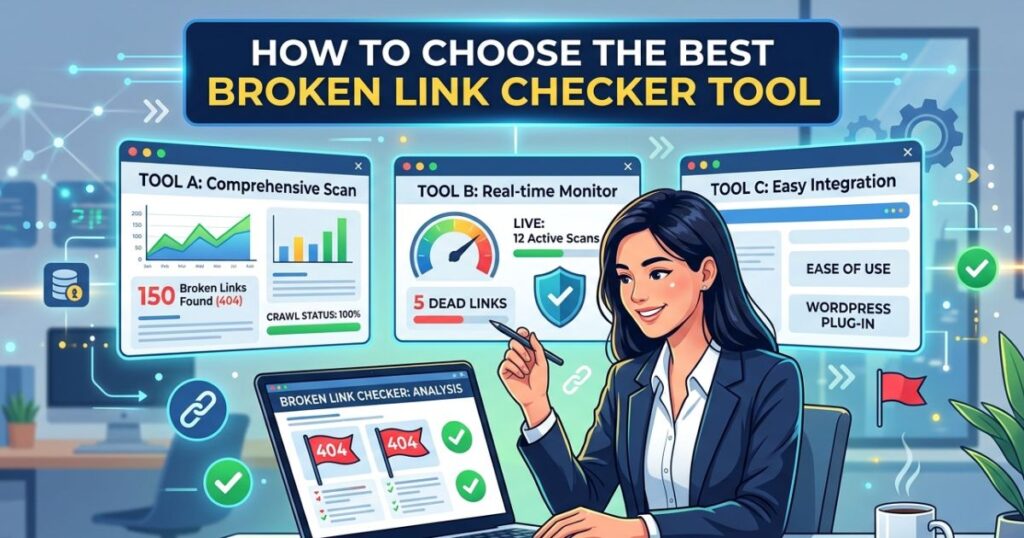
With so many options out there, picking the right one can feel overwhelming. Do not worry, we have a simple checklist for you.
Key Features to Look For
When shopping for a tool, look for these three magic features:
- Unlimited Scanning: Make sure it can handle the size of your website.
- Detailed Reporting: It should tell you exactly how to find broken links in HTML.
- Automation: Look for scheduled link audits so you do not have to remember to do it manually.
Comparison of Popular Tools
Some tools focus heavily on SEO, giving you a domain authority checker alongside your link reports. Others focus strictly on website validation, giving you a clean, simple list of bad URLs. Pick the one that matches your main goal.
How Do Broken Links Impact Your Website’s Performance?
Let us get real for a second. Dead links actually hurt your digital success in measurable ways.
The Ripple Effect on SEO Rankings
When a search engine bot hits a dead end on your site, it stops crawling. If it stops crawling, it does not see your newest, greatest content.
This means your awesome new blog posts might not show up in search results. That is a heartbreaking loss of free traffic.
How Broken Links Affect User Trust and Retention
People have zero patience online. If your site wastes their time with a broken link, they will hit the back button. They will go straight to your competitor.
High bounce rates tell search engines that your site is unhelpful. It is a vicious cycle that destroys your hard-earned reputation.
Step-by-Step Guide to Using a Broken Link Checker
Ready to fix your site? Let us walk through the process together. It is easier than baking a cake!
Setting Up the Tool
First, choose your website validation tool. If you are using an online version, simply type your homepage URL into the search bar. If it is a downloadable tool, install it and enter your address.
Running Your First Scan
Click the massive “Start” or “Analyze” button. Grab a cup of coffee. Depending on how big your site is, the digital crawlers might take a few minutes to read everything.
Interpreting the Results and Taking Action
When the scan finishes, you will see a list of broken URLs. The tool will usually show you the exact page where the bad link lives.
Go to that page on your website. Edit the text. Either update the link to a working page, or remove the link entirely. Boom! You just fixed a broken link.
Advanced Features to Look For in a Broken Link Checker
Once you master the basics, you might want a tool with a few extra superpowers.
SSL Validation and Malicious Link Detection
Some links do not just break; they turn dangerous. A great tool acts as a malicious link checker, warning you if you are linking to a dangerous or hacked website.
It can also double as an SSL certificate checker, ensuring the sites you link to are secure and safe for your visitors.
Scheduled Scans and Automated Reporting
Why do the work yourself when a robot can do it? Look for an auto link checker that runs every week. It will automatically email you a report if any new links break.
Integration with SEO Tools for Backlink Analysis
If you want to grow your traffic, you need good backlinks. Some advanced platforms act as a broken backlink checker. They show you when other websites accidentally break their links pointing to you. You can then email them and ask them to fix it!
This is where integrating your workflow with comprehensive broken link checker tools gives you a massive advantage over your competitors.
Beyond Broken Links: Comprehensive Website Health Checks
A healthy website needs more than just working links. It needs to be flawless from top to bottom.
Checking for Accessibility Issues
Can everyone use your website, including people with poor vision? An accessibility checker scans your site to ensure it is easy for everyone to read and navigate.
Identifying Script Errors and Server Configuration Problems
Sometimes the invisible code running your site breaks down. A script error checker will warn you if parts of your site are failing to load properly behind the scenes.
Ensuring Mobile and Cross-Browser Compatibility
Your site might look beautiful on your laptop, but terrible on a phone. The best website quality assurance tools will test your site on different devices to make sure it always looks perfect.
What Are the Best Practices for Preventing Broken Links?
Fixing links is great, but preventing them from breaking in the first place is even better.
Regular Maintenance and Scheduled Audits
Make a habit of checking your site. Set a calendar reminder every month to run your free online tool for dead links. Consistency is the secret weapon of successful webmasters.
Using Redirects Effectively
If you delete an old blog post, do not just leave an empty hole. Set up a “redirect.” This tells web browsers to automatically send visitors from the old deleted page to a shiny new page.
Using plenty of high-quality broken link checker tools will help you easily spot where these redirects need to be placed.
Monitoring Outbound Links
You cannot control what other websites do. The sites you link out to might change their addresses without telling you. This is why an outbound link checker is crucial for finding link rot before your visitors do.
Conclusion
Broken link checker tools are essential for maintaining a healthy, professional, and SEO-friendly website. By regularly scanning and fixing dead links, you enhance user experience, protect your site’s credibility, and improve search engine rankings. Whether you choose free or premium tools, consistent monitoring ensures your website runs smoothly and efficiently.
FAQs
What is a broken link checker tool?
A broken link checker tool is a software or online service that scans your website for dead or broken links. These tools help identify links that lead to 404 errors, missing pages, or removed content, making it easier to maintain a healthy website structure and improve SEO.
Why should I fix broken links on my website?
Broken links can negatively impact your website’s SEO, user experience, and credibility. Visitors may get frustrated by dead links, leading to higher bounce rates, while search engines may lower your rankings. Regularly checking and fixing broken links keeps your website smooth and professional.
How do broken link checker tools work?
Most broken link checker tools crawl your website’s pages, following all internal and external links. They report any links that are not working properly, such as 404 errors or unreachable pages. Some tools also provide suggestions for fixing or redirecting these links efficiently.
Are free broken link checker tools reliable?
Yes, many free tools are effective for small to medium websites. However, they may have limitations on the number of pages scanned, speed, or detailed reporting. For large websites, premium tools often provide faster scans, deeper analytics, and automated reporting.
Can broken link checker tools improve SEO?
Absolutely. Fixing broken links ensures that search engines can crawl your site without errors, improving indexing and ranking. It also enhances user experience, keeping visitors engaged and reducing bounce rates both of which are important SEO factors.