
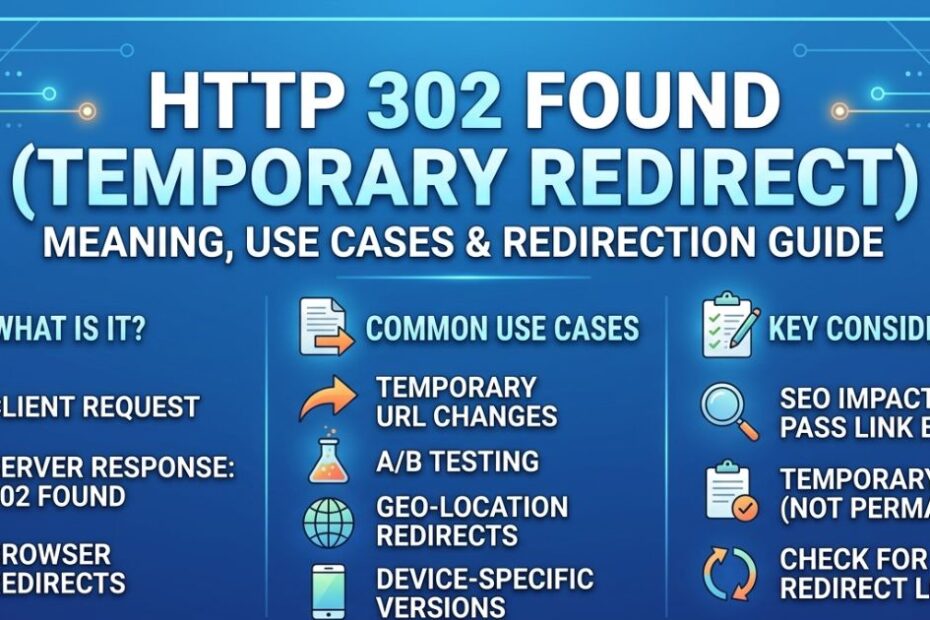
The 302 Status Code indicates that a requested web page has been temporarily moved to a different URL. Unlike a permanent redirect, it tells browsers and search engines that the original URL will be used again in the future. This status code is commonly used for temporary page moves, A/B testing, or site maintenance, ensuring users are redirected without affecting search rankings permanently.
What Are HTTP Status Codes?
Imagine you send a letter to your best friend. The mail carrier tries to deliver it and leaves a sticky note on your door. “Delivered!” is a great note. “Moved away” is a bummer.
HTTP response codes are just like those sticky notes. When you type a web address, your browser asks the website’s server for the page. The server replies with a three-digit number.
A “200” means everything is perfect. A “404” means the page is gone forever. But what happens when a page is just taking a short vacation? That is where our special friend comes in.
What Is a 302 Status Code?
If you are wondering, “What is HTTP 302 status code?”, you are in the right place. Simply put, it means a page has temporarily moved.
Think of it like remodeling your bedroom. You sleep in the guest room for a week, but you plan to move back. The server uses a “Location header” to tell your browser, “Hey, go look over here for now, but do not forget the old address.”
How Does a 302 Redirect Work?
When a server sends a 302 Found message, your browser instantly takes you to the new address. It happens so fast that you barely notice.
Behind the scenes, the server handles HTTP semantics carefully. It tells search engines to keep checking the original link because the detour will not last forever.
302 vs. 301 Redirects: Key Differences
People get confused when comparing a 301 vs 302 for SEO rankings. Let us make it super simple.
A 301 redirect is a permanent redirect. It means you sold your house, bought a new one, and you are never looking back. You want all your mail sent to the new place forever.
A temporary redirect means you are just staying at a hotel for the weekend.
When to Use Each Type of Redirect
Use a permanent redirect when you change your website name or permanently delete an old blog post. Use a temporary detour when your page is broken for a day, or you are running a special holiday sale.
Choosing the right one stops duplicate content issues. It also ensures search engines know exactly which page you want them to read.
How Does a Temporary Redirect Impact SEO?
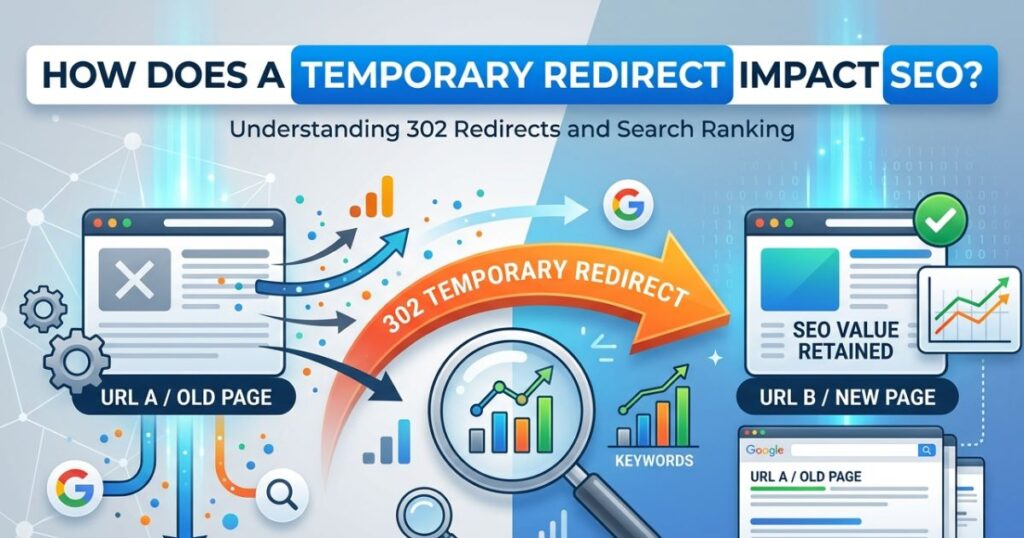
The SEO impact of 302 redirects scares a lot of website owners. They worry they will lose their search engine traffic.
Here is the truth: search engines are smart. When they see a temporary detour, they hold onto the original page’s value.
Does It Pass Link Equity?
Link equity is like giving your website popularity points. When another site links to you, you get points!
If you use a permanent move, you pass all those points to the new page. If you use a temporary detour, you keep the link popularity on the original page. How 302 redirects affect link juice is simple: they save it for the original page.
The Google Aging Delay
Sometimes, search engines take a while to figure out what you are doing. This is called the Google aging delay. If you leave a temporary detour up for too long, search engines might get confused. They might start thinking it is permanent.
Always fix your temporary moves quickly to keep your SEO impact positive!
Practical Use Cases for 302 Redirects
When exactly should you use this tool? Here are three perfect times to use it.
Seasonal Promotions
Imagine you sell winter coats. In July, you might want to hide that page and show summer swimsuits instead. You can temporarily send shoppers to the summer page. When winter comes back, you turn off the detour.
Location or Device Changes
Sometimes you want to show a different page to someone on a cell phone. Or maybe you want to send someone in France to a French version of your site. Temporary detours handle this perfectly without messing up your main website.
Website Maintenance
If you are fixing a broken page, you do not want visitors to see a messy error. Send them to a friendly “Be right back” page while you work. It creates a wonderful user experience.
How to Implement a 302 Redirect
You might be asking, “How to implement 302 redirects without breaking my site?” Do not worry, it is easier than you think!
Server-Side Magic
If you are a bit technical, you can change a file on your server called .htaccess. You just type a short line of code telling the server where to send the traffic.
Using Simple Plugins
If you use a platform like WordPress, you do not need to touch any code. You can download a free redirect implementation tool. You just paste your old link, paste your new link, and pick “Temporary.” Click save, and you are done!
Troubleshooting Common Issues
Sometimes things go wrong. Redirect troubleshooting is an important skill. Always test your links after you make a change. Make sure they go to the right place and load quickly.
Advanced Insights: Chains and Loops
Even pros make mistakes. Two of the most annoying problems are redirect chains and loops.
What Are Redirect Chains?
A chain happens when a visitor hits a detour, which leads to another detour, which leads to another! It makes your website incredibly slow. Search engines hate slow websites. Always try to send visitors straight to their final destination.
How to Fix Redirect Loops
A loop is even worse. It happens when Page A sends you to Page B, but Page B sends you right back to Page A! Your browser gets dizzy and gives up. To fix this, carefully check your rules and make sure no two pages are pointing at each other.
Beyond Basics Lesser Known Facts
Let us look at a few cool tricks you can do with URL detours.
A/B Testing
A/B testing is when you show two different pages to see which one your readers like best. You can use a temporary move to send half of your visitors to a brand new design. Because the move is temporary, search engines will not penalize you.
Multilingual Websites
Redirects for multilingual websites are super helpful. If someone visits your site from Spain, you can automatically send them to your Spanish page.
The Fetch Standard
There is a tricky thing called the Fetch Standard. Sometimes, when a browser moves from one page to another, it accidentally changes how it asks for the data. This is called POST to GET redirection.
If this causes bugs on your site, you might want to look into the difference between 302 and 307 redirects. The 307 Temporary Redirect forces the browser to behave correctly. There is also the 303 See Other code, which is great for forms and shopping carts.
Conclusion
The 302 Status Code is a vital tool in web management for handling temporary redirects. It ensures users reach the intended page without disrupting the original URL’s indexing in search engines. Proper use of 302 redirects helps maintain site functionality, user experience, and SEO integrity while enabling flexible site updates, testing, and temporary content changes. Understanding when and how to implement a 302 redirect ensures smooth navigation and avoids unnecessary SEO issues.
FAQs
What is the difference between a 302 and 301 redirect?
A 302 redirect is temporary and signals that the original URL will be reused, while a 301 redirect is permanent, transferring SEO value to the new URL. Use 302 for short-term changes and 301 for permanent page moves.
Can a 302 redirect affect SEO rankings?
Typically, 302 redirects do not pass full SEO value to the new page since they are temporary. Search engines continue to index the original URL. However, overusing them or using them incorrectly may lead to indexing confusion.
When should I use a 302 redirect?
Use a 302 redirect for temporary page changes, website maintenance, A/B testing, or seasonal promotions. It’s ideal when you plan to revert back to the original page without losing traffic or confusing search engines.